Skip to content
Free Tech Support
Menu

Topics

PC hardware help

Free PC hardware fixes: no sound, USB device not recognized, second monitor, webcam, keyboard, touchpad, laptop charging problems and overheating.
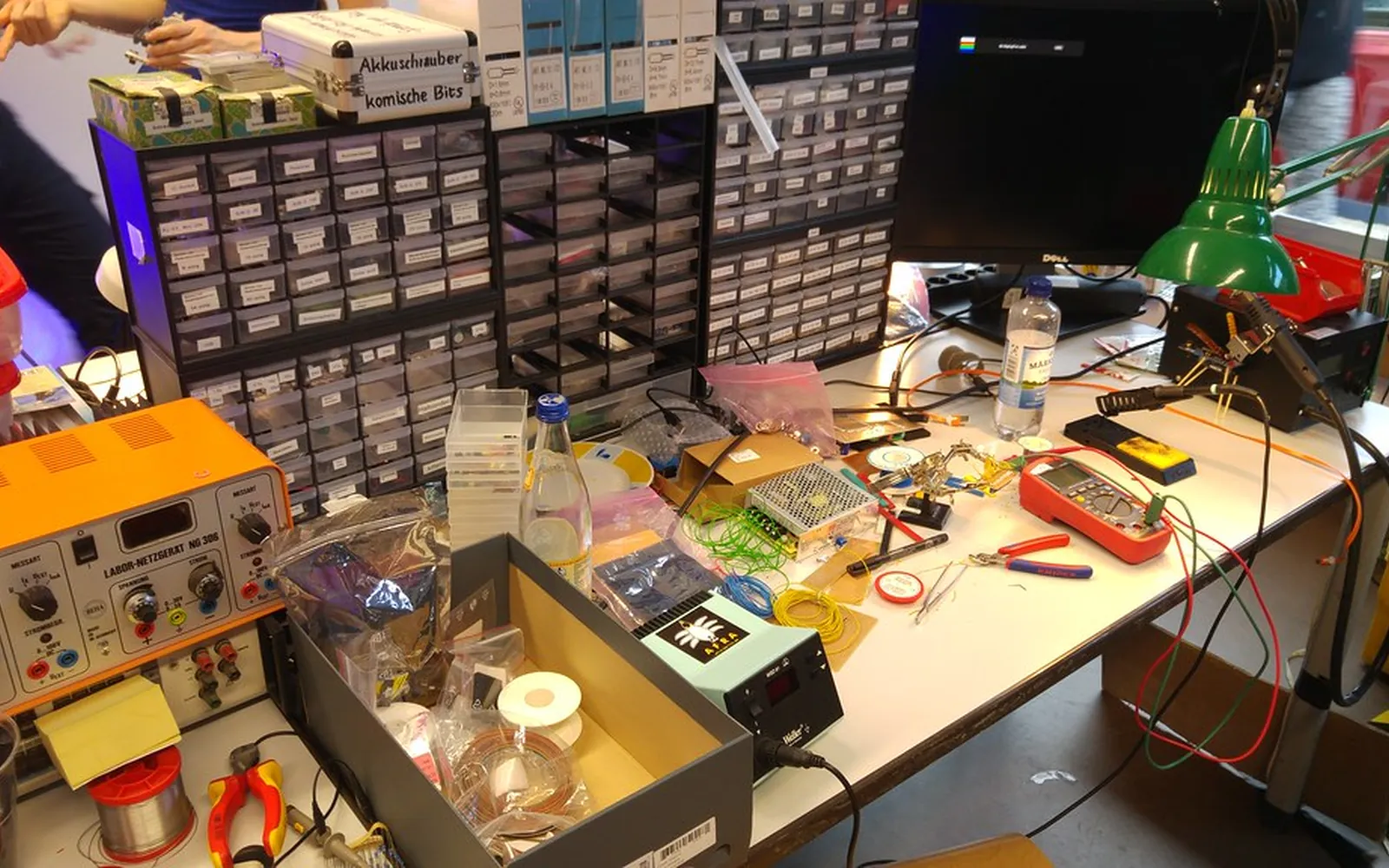
A repair workbench with tools, a multimeter and spare parts
PC Hardware Computer Won't Turn On — First Checks Your computer shows no signs of life when you press the power button. Before panicking, run through these safe checks — many are simple fixes. June 20, 2026
A repair workbench with tools, a multimeter and spare parts
PC Hardware Laptop Overheating and Shutting Down If your laptop gets very hot and shuts itself off, it is protecting itself from damage. These steps will help you find the cause and cool it back down. June 20, 2026
219 mm
PC Hardware Bluetooth Headphones Won't Connect to a PC Your Bluetooth headphones pair but produce no sound, or they refuse to connect at all. Here is a reliable process for fixing Bluetooth audio on Windows. June 11, 2026
232 mm
PC Hardware External Hard Drive Not Showing Up in Windows Your external hard drive is connected but does not appear in File Explorer. It may just need a drive letter assigned, or there could be a power or driver issue. June 11, 2026
343 mm
PC Hardware Fix Blurry Display, Wrong Resolution or Scaling in Windows Your screen looks blurry, fuzzy, or everything is too large or too small. Here is how to set the correct resolution and scaling in Windows 10 and 11. June 11, 2026
258 mm
PC Hardware HDMI 'No Signal' to a Monitor or TV Your monitor or TV displays 'No signal' even though the HDMI cable is connected. Run through these checks to find the cause and get a picture back. June 11, 2026
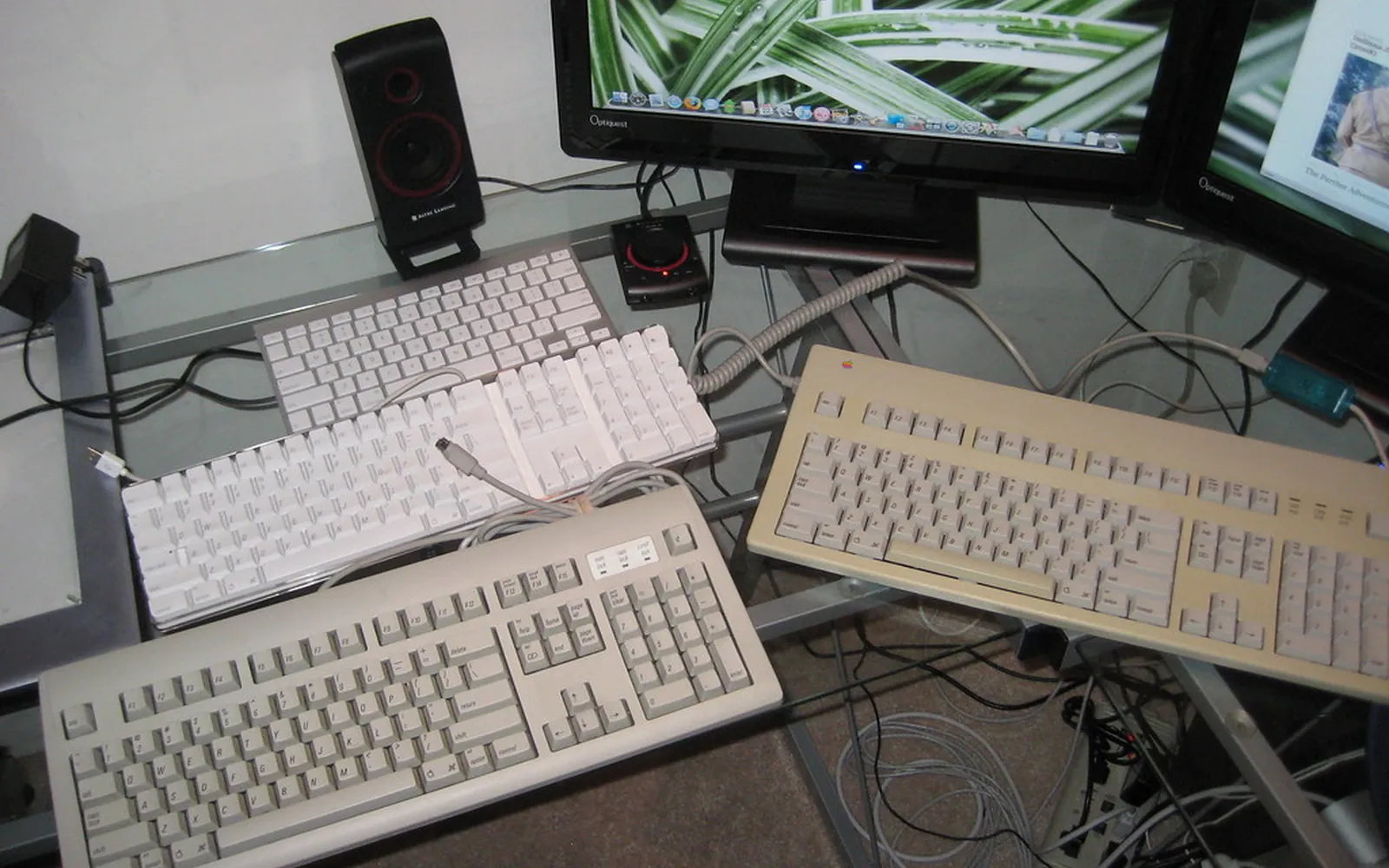
Several computer keyboards lined up on a desk
PC Hardware Some Keyboard Keys Not Working Certain keys on your keyboard have stopped responding or type the wrong character. Covers: check Modifier Keys and Lock Keys. Free, plain-English steps. June 11, 2026
375 mm
PC Hardware Laptop Fan Running Loud or Constantly A laptop fan that runs at full speed all the time is either working hard for a real reason or stuck in a fault state. Here is how to tell the difference. June 11, 2026
279 mm
PC Hardware Laptop Plugged In But Not Charging The charger is connected but Windows shows 'Plugged in, not charging'. Here are the most common causes and how to fix them safely. Free, plain-English steps. June 11, 2026
309 mm
PC Hardware Microphone Not Working in Windows Nobody can hear you in calls or your recordings are silent. Here is how to get your microphone working again in Windows 10 and 11. Free, plain-English steps. June 11, 2026
303 mm
PC Hardware Laptop Touchpad Not Working Your laptop's touchpad has stopped responding. In most cases it has been accidentally disabled or needs a driver update — both are quick fixes. June 11, 2026
348 mm
PC Hardware Mouse Lagging, Jumping, or Not Moving A mouse that lags, skips, or freezes makes a PC nearly unusable. Most causes are easy to fix without any special tools. Covers: clean the Mouse and Surface. June 11, 2026
260 mm
PC Hardware No Sound Coming From Your Computer If your computer has gone completely silent, the fix is usually simpler than you think. Work through these checks before assuming anything is broken. June 11, 2026
227 mm
PC Hardware Screen Flickering or Flashing on Windows A flickering or flashing screen is distracting and potentially a sign of a driver conflict or hardware issue. Here is how to diagnose and fix it. June 11, 2026
322 mm
PC Hardware SD Card or Memory Card Not Reading Your SD card or memory card is not showing up in File Explorer. Here are the steps to get it recognised — and how to protect your files while doing so. June 11, 2026
265 mm
PC Hardware Second Monitor Not Detected by Windows Your second monitor stays dark or Windows acts like it is not there. A few quick checks in display settings and Device Manager usually sort it out. June 11, 2026
244 mm
PC Hardware Webcam Not Working in Windows Your webcam shows a black screen or is not detected at all. In most cases the fix is a privacy setting, a driver update, or a quick port change. June 11, 2026
303 mm
PC Hardware USB Device Not Recognized — How to Fix It Windows says 'USB device not recognized' and the device does nothing. Here is a logical set of checks that resolve this in most cases. Free guide. June 11, 2026