Skip to content
Free Tech Support
Menu

Topics

Phone and tablet help

Free iPhone and Android help: Wi-Fi problems, full storage, charging, updates, backups, photo transfers, overheating and phones that will not turn on.

299 mm
Phones & Tablets Mobile Data Not Working? How to Fix It on iPhone and Android Mobile data not working but you have signal? Check data settings, Airplane mode, carrier updates, APN and roaming, reset network settings and know when to call. October 17, 2026
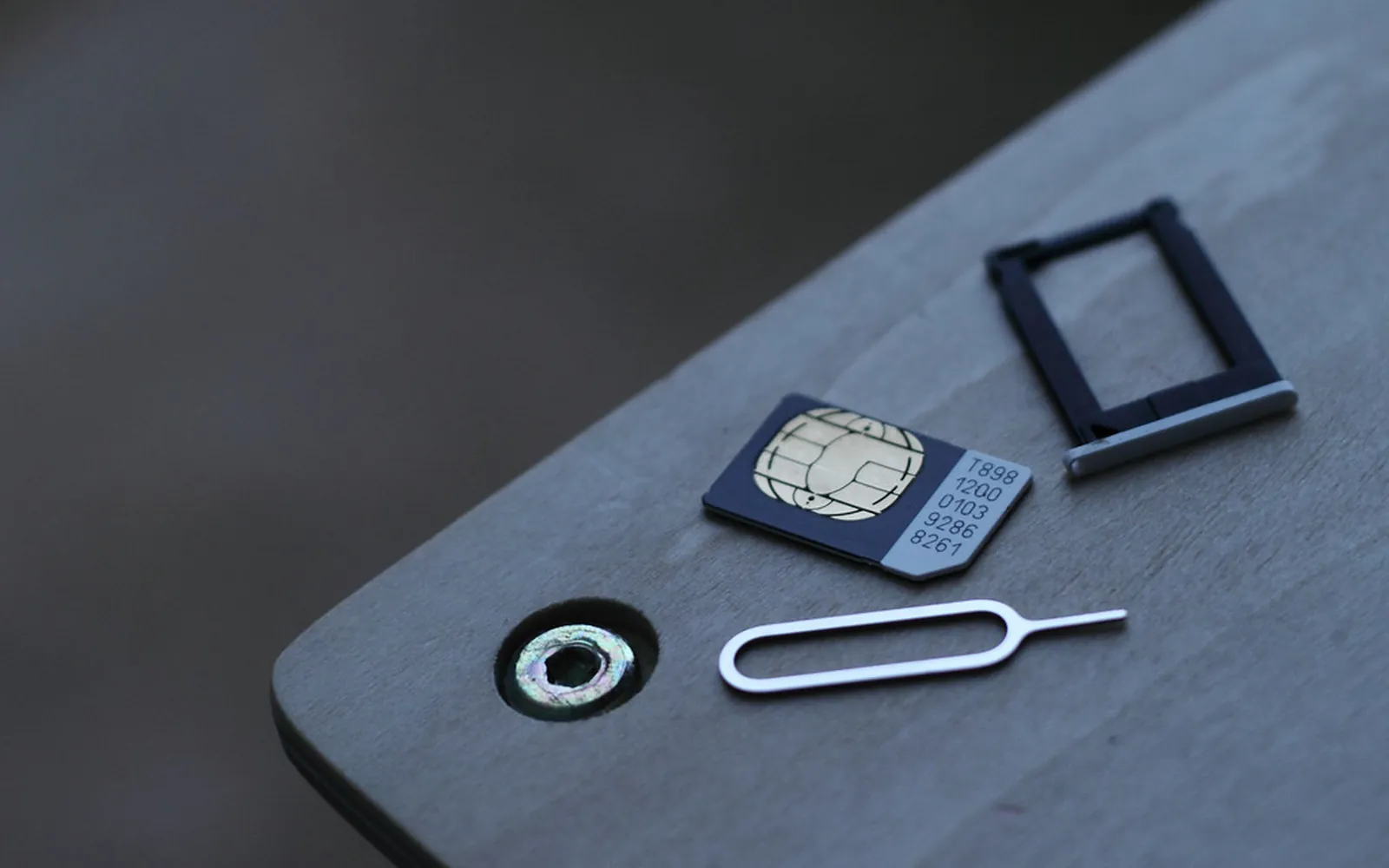
A nano SIM card, an empty SIM tray and a SIM ejector pin on a grey table
Phones & Tablets SIM Card Not Detected: How to Fix "No SIM" on iPhone and Android SIM card not detected or No SIM on your phone? Reseat the SIM, check the line is active, update carrier settings and learn if the SIM or the phone is at fault. October 17, 2026
Hands holding a smartphone and typing a message
Phones & Tablets How to Stop Spam Calls and Texts on iPhone and Android Stop spam calls and texts with built-in phone tools: screen unknown callers, filter spam, block numbers, report texts to 7726 and join the Do Not Call list. October 17, 2026
Two hands holding a smartphone
Phones & Tablets Wi-Fi Calling Not Working: How to Fix It on iPhone and Android Wi-Fi calling not working or greyed out? Check carrier support, the emergency address, Wi-Fi and router settings, and fix calls that drop when you leave home. October 17, 2026
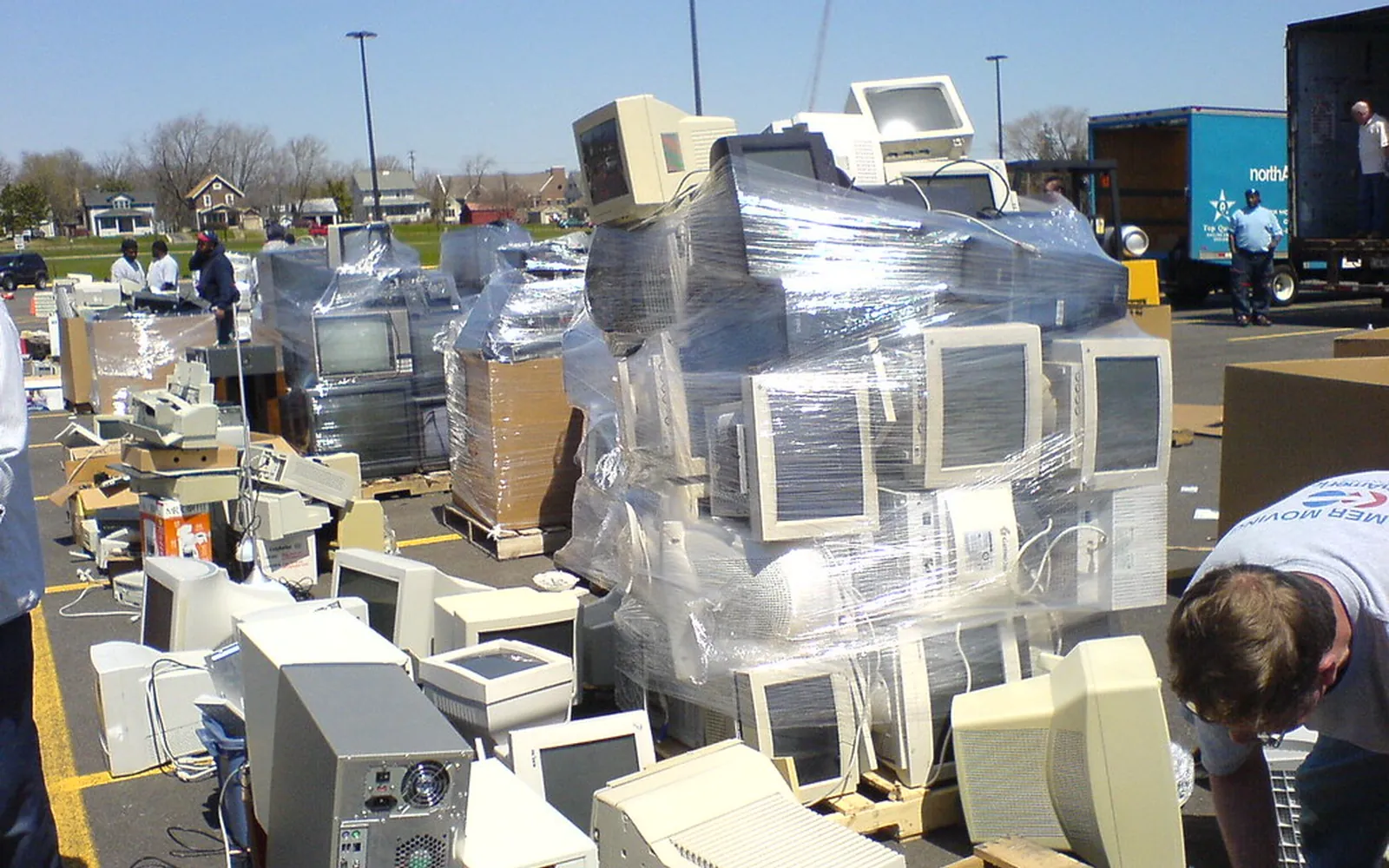
Old computers and monitors stacked for electronics recycling
Phones & Tablets How to Back Up and Wipe a Phone Before Selling or Trading It In Wipe a phone before selling it: back up, sign out of Apple, Google and Samsung accounts to remove activation locks, sort out the SIM, then factory reset. October 16, 2026
Two hands holding a smartphone
Phones & Tablets iCloud Storage Full? How to Free Up iCloud Space Step by Step iCloud storage full? See what uses 5 GB, delete old backups, shrink photos and messages safely, decide if iCloud+ is worth it, and spot fake storage emails. October 16, 2026
361 mm
Phones & Tablets Screen Mirroring a Phone to a TV: How to Cast or Mirror From iPhone and Android Screen mirroring a phone to a TV made simple: AirPlay from iPhone, Google Cast and Smart View from Android, cable options, and fixes when the TV is not listed. October 16, 2026
Two hands holding a smartphone and typing a message
Phones & Tablets How to Back Up an Android Phone to a Computer: Photos, Files and More Back up an Android phone to a computer: copy photos and files over USB, use Samsung Smart Switch for a full backup, and add Google backup for contacts and apps. October 15, 2026
Hands holding a smartphone and typing a message
Phones & Tablets Android Storage Full? How to Free Up Space Safely Android storage full? See what is using space, clean junk with Files by Google, clear app cache, remove backed-up photos and fix storage that stays full. October 14, 2026
Hands typing on a laptop keyboard
Phones & Tablets How to Back Up an iPhone to a Computer: Mac and Windows Steps Back up an iPhone to a computer for free: use Finder on a Mac or the Apple Devices app on Windows, encrypt the backup to keep passwords, and check it worked. October 14, 2026
Hands holding a smartphone and typing a message
Phones & Tablets How to Find My Lost Phone: iPhone and Android Steps That Work How to find my lost phone: locate, ring, lock or erase an iPhone with Find My or an Android with Find Hub, plus what to do right away if it was stolen. October 14, 2026
381 mm
Phones & Tablets Phone Running Slow? How to Speed It Up (iPhone and Android) Phone running slow? Restart it, free up storage, update, find battery-hungry apps, check battery health and remove adware. Free steps for iPhone and Android. October 14, 2026
Two hands holding a smartphone and typing a message
Phones & Tablets How to Remove a Virus From an Android Phone Remove a virus from an Android phone: run Play Protect, restart in safe mode, delete bad apps and admin rights, stop fake pop-ups, and reset only if needed. October 14, 2026
Two hands holding a smartphone and typing a message
Phones & Tablets How to Scan a Document With Your iPhone: Free, No App Needed Scan a document with your iPhone using the free Notes or Files app, save it as a PDF, sign it, and email or send it to your computer without a scanner. October 14, 2026
Two hands holding a smartphone and typing a message
Phones & Tablets How to Stop Pop-Up Ads on an Android Phone Stop pop-up ads on Android: block pop-ups and site notifications in Chrome, find the app showing ads on your home screen, remove it and turn off overlay access. October 14, 2026
Hands holding a smartphone and typing a message
Phones & Tablets Android Won't Connect to Wi-Fi: Step-by-Step Fixes Android Wi-Fi not connecting? Forget and rejoin the network, check Private DNS, MAC and band settings, reset network settings on Pixel and Samsung phones. October 13, 2026
311 mm
Phones & Tablets iPhone Storage Full? Practical Ways to Free Up Space iPhone storage full? See what is using space, offload apps, empty Recently Deleted, optimize photos, trim Messages and avoid fake storage-full scams. October 13, 2026
Hands holding a smartphone and typing a message
Phones & Tablets iPhone Won't Connect to WiFi: How to Fix It Step by Step iPhone won't connect to Wi-Fi, says incorrect password or shows no internet? Work through these 9 fixes in order, from a quick toggle to Reset Network Settings. October 13, 2026
Hands holding a smartphone and typing a message
Phones & Tablets Phone Won't Turn On or Stuck on a Black Screen: What to Do Phone won't turn on or shows only a black screen? Charge it properly, force restart your iPhone or Android, test the display and know when it needs a repair. October 13, 2026
387 mm
Phones & Tablets An App Keeps Crashing on Your Phone — Here's How to Fix It An app that crashes every time you open it — or mid-use — is usually fixable without losing your data. These steps work for both iPhone and Android. May 14, 2026
357 mm
Phones & Tablets Bluetooth Won't Pair — Fix It on iPhone or Android Bluetooth refusing to pair — or dropping the connection as soon as it's made — is one of the most common phone frustrations. Free, plain-English steps. May 14, 2026
283 mm
Phones & Tablets Forgot Your Phone Passcode — What You Can Actually Do Being locked out of your phone is stressful. The steps you can take depend on your phone model and whether you have a backup. Free, plain-English steps. May 14, 2026
355 mm
Phones & Tablets Phone Got Wet — The Right Steps to Take Immediately Whether it fell in the sink or got caught in the rain, how you handle the first few minutes after a phone gets wet can make the difference between a working. May 14, 2026
287 mm
Phones & Tablets Phone Overheating — Why It Happens and How to Cool It Down A warm phone during heavy use is normal. A hot phone that slows down or shows a temperature warning is not. Here's what's causing it and what to actually do. May 14, 2026
302 mm
Phones & Tablets Phone Won't Charge — Real Fixes That Actually Work A phone that won't charge is usually suffering from a dirty port, a faulty cable, or a software glitch — not a dead battery. Free, plain-English steps. May 14, 2026
318 mm
Phones & Tablets Phone Won't Update to the Latest iOS or Android — Fix It Software updates stuck downloading, failing to install, or simply not appearing are common headaches. Covers: check Whether Your Phone Supports the Update. May 14, 2026
341 mm
Phones & Tablets How to Recover Recently Deleted Photos on iPhone or Android Deleted a photo by accident? Both iPhone and Android keep deleted photos for 30 days before permanently removing them. Free, plain-English steps. May 14, 2026
359 mm
Phones & Tablets How to Set Up a New iPhone or Android Phone Getting a new phone set up properly from the start saves headaches later. Covers: before You Start, setting Up a New iPhone and setting Up a New Android Phone. May 14, 2026
340 mm
Phones & Tablets How to Transfer Photos From Your Phone to a Computer Whether you want to back up your photos, free up phone storage, or edit images on a bigger screen, getting photos off your phone onto a PC or Mac is. May 14, 2026