Phones & Tablets
How to Stop Spam Calls and Texts on iPhone and Android
Written by Free Tech Support Editorial Team · Updated
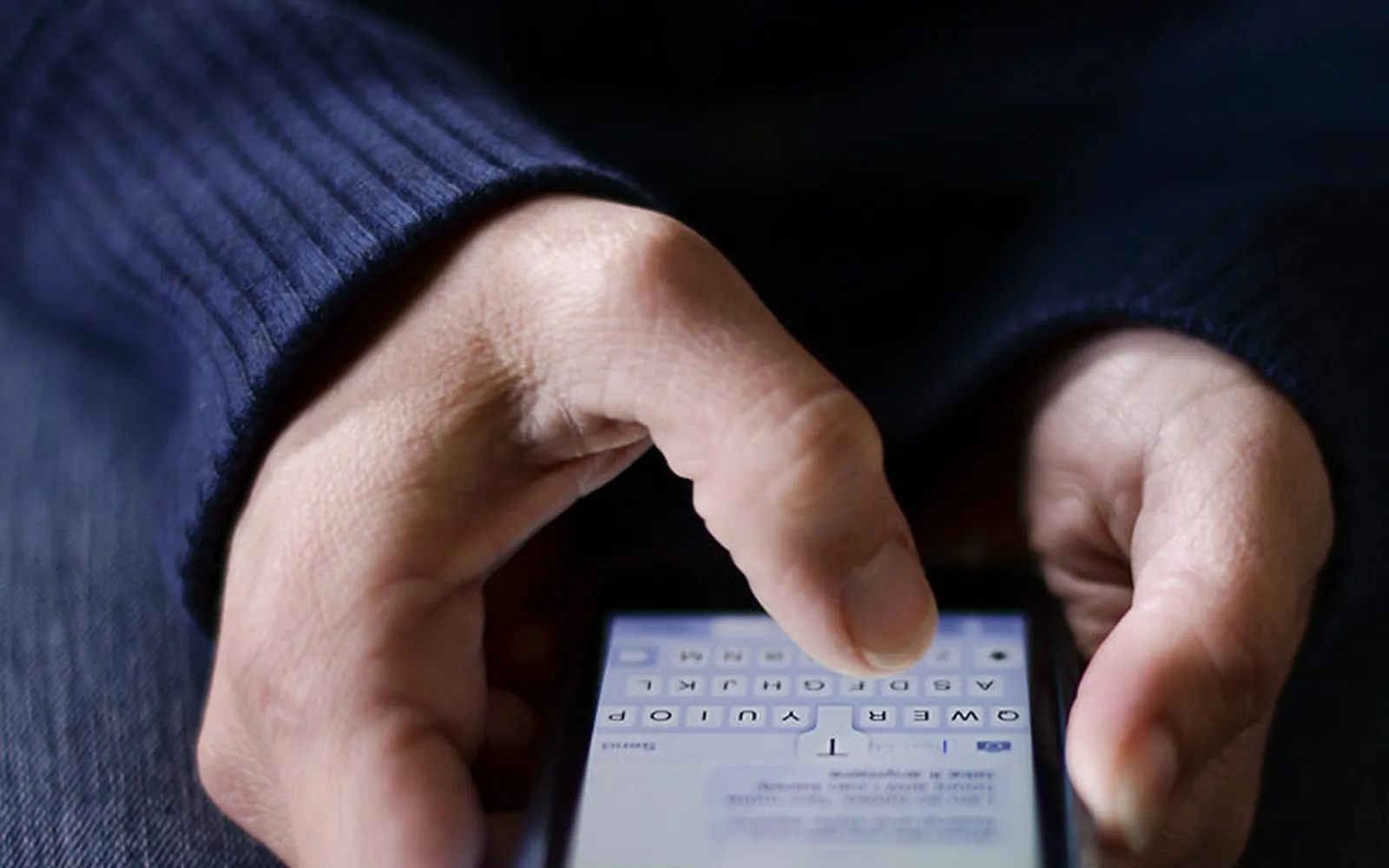
Robocalls about car warranties, “your package is on hold” texts, fake bank alerts: if you want to stop spam calls on your phone, there is no single switch that ends them all. But combining your phone’s built-in screening and spam filters with a few habits cuts out most of them and makes the rest easy to ignore. This guide covers iPhone and Android step by step, how to deal with spam texts, the Do Not Call registries in the US and Canada, and how to stay safe when a scam call does get through.
This is an independent guide and is not affiliated with Apple, Google, Samsung or any carrier.
Why blocking numbers one by one does not work
Most spam calls come from automated systems that change the number they display, often to one that looks local (this is called spoofing). Blocking a number stops that number, but the next call comes from a different one. The tools that work best do not depend on knowing the number in advance: they screen unknown callers, or they compare the call against spam databases kept by Google, Apple’s carriers or your phone maker.
iPhone: screen, silence and filter unknown callers
On current versions of iOS, Apple puts these settings under Settings > Apps > Phone (on older versions, Settings > Phone):
- Screen Unknown Callers: choose Ask Reason for Calling to have the iPhone answer unknown numbers and ask why they are calling before it rings, or Silence to send them straight to voicemail. Never turns screening off.
- Call Filtering: turn on the spam filter so calls your carrier or the iPhone identifies as spam are filtered out, and turn on filtering of Unknown Callers to keep them in a separate list.
Apple notes some important exceptions: numbers saved in your contacts always ring, calls are not screened while you are roaming, and if you call emergency services, screening turns off for 24 hours so they can call you back. Save numbers you need, such as your doctor or child’s school, to Contacts so they are never silenced. On older iOS versions the option is a simple Silence Unknown Callers switch; FaceTime has its own switch under Settings > Apps > FaceTime.
Android: caller ID, spam protection and Call Screen
Google Phone app (Pixel and many other phones)
Open the Phone app, tap the three-dot menu or your profile picture, then Settings > Spam and Call Screen (wording varies by version). Turn on See caller and spam ID and Filter spam calls. Google explains that filtered calls do not ring or leave a missed-call alert, but they still appear in your call history. On Pixel phones, Call Screen can answer unknown callers for you and show a live transcript of what they say before you decide whether to pick up.
Samsung phones
In the Samsung Phone app, tap the three-dot menu, then Settings > Caller ID and spam protection, and turn it on. You can choose to block high-risk calls. Samsung’s menu names change between One UI versions; if you cannot find it, use the search bar in the Phone app settings.
Block individual numbers
Blocking still helps for a real person or business that keeps calling or texting you.
- iPhone: in Phone or Messages, tap the info button next to the number, then Block Caller (or Block this Caller). Blocked callers can leave voicemail, but you are not notified, and their messages are not delivered.
- Android: in the Phone app, open Recents, tap or long-press the number and choose Block / report spam. Reporting helps improve the spam database for others.
Stop spam texts
Spam texts are often more dangerous than calls because they contain links to fake delivery, toll, bank or prize websites.
- Turn on filtering. On iPhone, open the Messages settings (Settings > Apps > Messages, or Settings > Messages on older versions) and turn on the option that filters unknown senders into a separate list. On Android, open the Messages app settings and turn on Spam protection; suspected spam goes into a Spam & blocked folder.
- Do not tap links or reply. A reply, even STOP, tells the sender your number is active. Only reply STOP to companies you know you signed up with.
- Report it. In the US and Canada, forward the text to 7726 (SPAM) so your carrier can block the sender. Use Report Junk on iPhone or Report spam on Android if the option appears.
- Delete it.
If you already tapped a link and entered details, change that password straight away and see what to do if your account is hacked. Our guide to phishing emails explains the same tricks used in texts.
Join the Do Not Call list
These official registries are free:
- United States: register at donotcall.gov. Legitimate telemarketers must stop calling numbers on the list, and you can report unwanted calls there.
- Canada: register at lnnte-dncl.gc.ca, the National Do Not Call List.
Registration reduces sales calls from real companies, but criminals ignore it. A caller who says they are calling “because you are on a list” or offers to remove you for a fee is a scammer.
Ask your carrier
Major carriers offer their own spam labelling and blocking, often free in their app, with paid extras. Check your carrier’s website or app for what is available on your plan. Only download carrier apps from the official app store.
Third-party call-blocking apps
Apps from independent companies keep their own spam databases and can block more aggressively than built-in filters. They usually need access to your call log and sometimes your contacts. Try the built-in tools for a week first; if you still get many calls, pick a well-known app, read its privacy policy and check what it costs before subscribing.
When a scam call gets through
Filtering cannot catch everything. A few rules keep you safe:
- Hang up on anyone who asks for remote access to your computer, gift cards, a payment app transfer or a one-time code. Read how to spot a fake tech-support call and gift card scams.
- If a caller sounds like a family member in trouble, hang up and call them back on the number you know. Voices can now be faked; see AI voice cloning scam calls.
- If the call claims to be your bank, hang up and call the number on the back of your card.
If you already paid or gave access, follow what to do after a tech-support scam. More phone guides are in the mobile section.
Frequently asked questions
I've blocked a spam number but they keep calling from different numbers. What can I do?
Spammers change or fake (spoof) their numbers, so blocking one at a time does not keep up. Use the settings that do not depend on knowing the number: screening or silencing unknown callers on iPhone, and spam filtering or Call Screen on Android.
Should I reply STOP to a spam text?
Only to messages from companies you actually signed up with. For texts you did not expect, do not reply at all, because a reply confirms your number is active. Report and delete them instead.
What does forwarding a text to 7726 do?
In the US and Canada, 7726 (which spells SPAM) is a free short code that sends the message to your carrier, which uses the reports to block spam. Your carrier may reply asking for the sender's number.
Will silencing unknown callers make me miss important calls?
It can, for example a doctor's office or delivery driver calling from a new number. Calls still go to voicemail, so check it, and save important numbers to your contacts so they always ring.
Are call-blocking apps safe?
Many are, but they ask for access to your calls and sometimes contacts. Try your phone's built-in tools first, and if you install an app, choose a well-known one and read what data it collects.
Sources
Free Tech Support Editorial Team
Editorial team
The Free Tech Support editors write and update these guides from the official documentation of Microsoft, Apple, Google and device makers. We are an independent site with no phone line and no paid support service.