Skip to content
Free Tech Support
Menu

Editorial team

Free Tech Support Editorial Team

The Free Tech Support editors write and update these guides from the official documentation of Microsoft, Apple, Google and device makers. We are an independent site with no phone line and no paid support service.

263 mm
Email Gmail notifications not showing on Android? Check these settings Gmail notifications not showing on Android? Check the Gmail app settings, Sync Gmail, label sync, Android notifications, battery saving and Do Not Disturb. November 10, 2026
365 mm
Email Gmail Not Receiving New Emails — Why It Happens and How to Fix It If new emails have stopped arriving in Gmail, the cause is usually a filter, a forwarding rule, or a full storage quota. This guide walks you through each fix. November 10, 2026
382 mm
Email Outlook not opening in Windows 11: fixes for new and classic Outlook Outlook not opening in Windows 11? End a stuck process, use safe mode, disable add-ins, repair Office or the profile, or reinstall the new Outlook app. November 10, 2026
201 mm
Email Outlook Not Receiving Emails? A Checklist That Finds the Cause Outlook not receiving emails? Check offline mode, Focused and Junk, rules, blocked senders, forwarding, storage and the account in new and classic Outlook. November 10, 2026
Two hands holding a smartphone and typing a message
Printers How to Print From an iPhone or iPad: AirPrint Steps and Fixes Print from an iPhone or iPad with AirPrint: find the Print option, choose your printer and settings, and fix No AirPrint Printers Found and stuck print jobs. October 31, 2026
291 mm
Printers How to Fix "Printer Driver Is Unavailable" in Windows 11 and 10 "Driver is unavailable" under your printer in Windows? Remove the printer and old driver, restart the spooler, then reinstall the right driver from the maker. October 31, 2026
215 mm
Printers Printer Not Printing Black Even Though the Ink Is Full Printer not printing black when the cartridge is full? Clean the printhead, check tape, contacts, paper type and grayscale settings, step by step. October 31, 2026
231 mm
Printers Printer Printing Blank Pages? How to Find the Cause and Fix It Printer printing blank pages? Test with a copy or self-test page, remove cartridge tape, clean clogged nozzles, check toner seals, settings and drivers. October 31, 2026
375 mm
Printers Printer Says "Out of Paper" but the Tray Is Full: How to Fix It Printer says out of paper but the tray is full? Reload paper, match the tray setting, clean the pickup rollers and check sensors. Steps for any brand. October 31, 2026
394 mm
Wi-Fi & Internet How to Reset Network Settings on Windows 11, iPhone and Android How to reset network settings on Windows 11 and 10, iPhone, iPad and Android, what a network reset removes, what to save first, and the netsh commands. October 31, 2026
A combination padlock lying on a computer keyboard
Accounts & Passwords How to Set Up Two-Factor Authentication on Your Most Important Accounts Step-by-step: set up two-factor authentication on Microsoft, Google, Apple and Facebook accounts, pick the safest method and save backup codes first. October 31, 2026
308 mm
Security & Scams Turn On Two-Factor Authentication (2FA) Two-factor authentication means a stolen password alone can't get anyone into your accounts. Covers: how It Works and where to Turn It On First. October 31, 2026
Hands typing on a laptop keyboard
site All Free Tech Support Guides: Computers, Phones, Wi-Fi Browse all 235 free tech support guides by topic: Windows, Wi-Fi, printers, security, browsers, email, phones, accounts, software and hardware. October 17, 2026
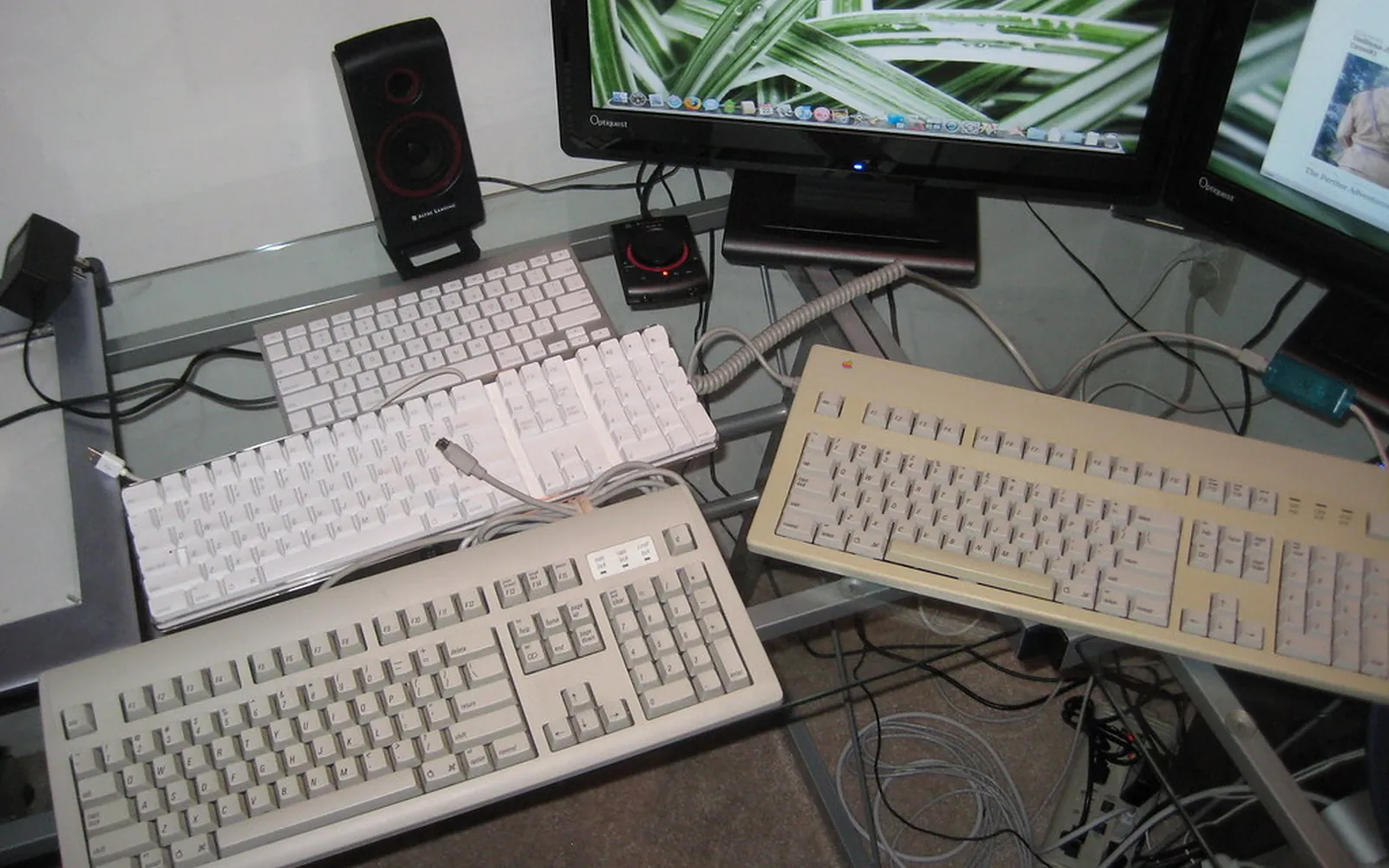
A row of computer keyboards lined up on a table
Windows How to Use Clipboard History in Windows 11 (Windows + V) Use clipboard history in Windows 11 to copy and paste many items: turn on Windows + V, pin and clear clips, sync between PCs and fix it if it will not open. October 17, 2026
235 mm
Web Browsers How to Fix the "Your Connection Is Not Private" Error "Your connection is not private" in Chrome or Edge? See what the error codes mean, fix clock, Wi-Fi sign-in and antivirus causes, and know when to stay away. October 17, 2026
Hands typing on a laptop keyboard next to a coffee mug
Email Gmail Storage Full: How to Free Up Space in Gmail, Drive and Photos Gmail storage full? See what uses your 15 GB, find big emails with larger: searches, empty Trash and Spam, clean up Drive and Photos, and spot fake warnings. October 17, 2026
299 mm
Phones & Tablets Mobile Data Not Working? How to Fix It on iPhone and Android Mobile data not working but you have signal? Check data settings, Airplane mode, carrier updates, APN and roaming, reset network settings and know when to call. October 17, 2026
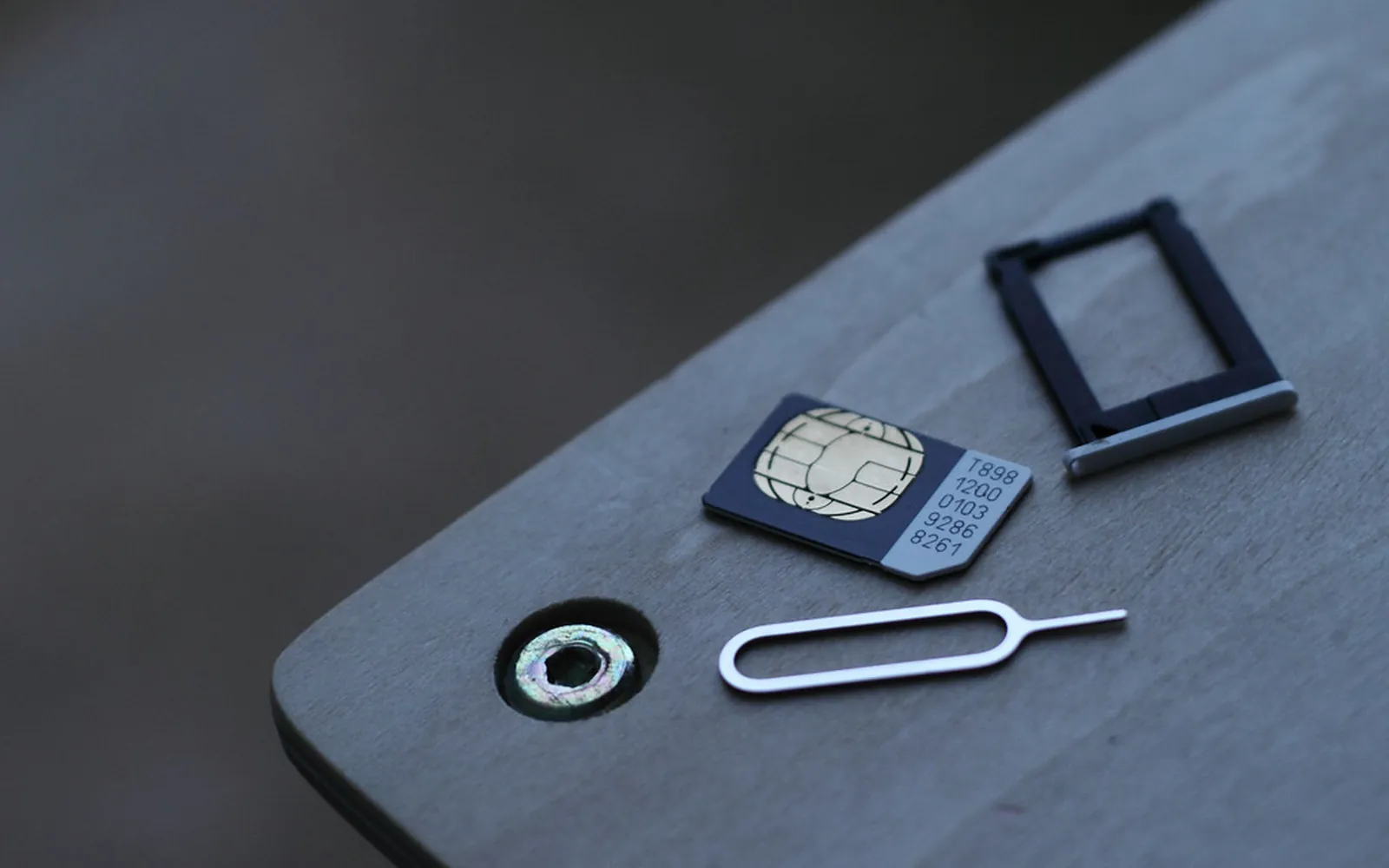
A nano SIM card, an empty SIM tray and a SIM ejector pin on a grey table
Phones & Tablets SIM Card Not Detected: How to Fix "No SIM" on iPhone and Android SIM card not detected or No SIM on your phone? Reseat the SIM, check the line is active, update carrier settings and learn if the SIM or the phone is at fault. October 17, 2026
Hands typing on a laptop keyboard
Windows How to Split Screen in Windows 11: Snap Layouts and Shortcuts Split screen in Windows 11 with snap layouts, the Windows + arrow keys and Snap Assist. Put two to four windows side by side and fix snapping that fails. October 17, 2026
Hands holding a smartphone and typing a message
Phones & Tablets How to Stop Spam Calls and Texts on iPhone and Android Stop spam calls and texts with built-in phone tools: screen unknown callers, filter spam, block numbers, report texts to 7726 and join the Do Not Call list. October 17, 2026
An old-fashioned black alarm clock on a wooden desk
Windows How to Stop Windows 11 Going to Sleep Too Soon Stop Windows 11 going to sleep: change screen and sleep timeouts, set what closing the lid does, keep a download running and fix a PC that sleeps by itself. October 17, 2026
233 mm
Accounts & Passwords How to Switch Between a Local Account and a Microsoft Account on Windows 11 Switch your Windows 11 sign-in from a Microsoft account to a local account or back. What changes for OneDrive, the Store, BitLocker keys and passwords. October 17, 2026
Two hands holding a smartphone
Phones & Tablets Wi-Fi Calling Not Working: How to Fix It on iPhone and Android Wi-Fi calling not working or greyed out? Check carrier support, the emergency address, Wi-Fi and router settings, and fix calls that drop when you leave home. October 17, 2026
234 mm
Windows Windows 11 Black Screen After Login: How to Get Your Desktop Back Windows 11 black screen after login, with or without cursor? Reset the graphics driver, restart Explorer, check display mode, use Safe Mode, roll back drivers. October 17, 2026
256 mm
Wi-Fi & Internet 2.4GHz vs 5GHz Wi-Fi: Which Band to Use and How to Switch 2.4GHz vs 5GHz explained: which Wi-Fi band to use for range, speed and smart devices, how to see your band in Windows 11 and phones, and when to split names. October 16, 2026
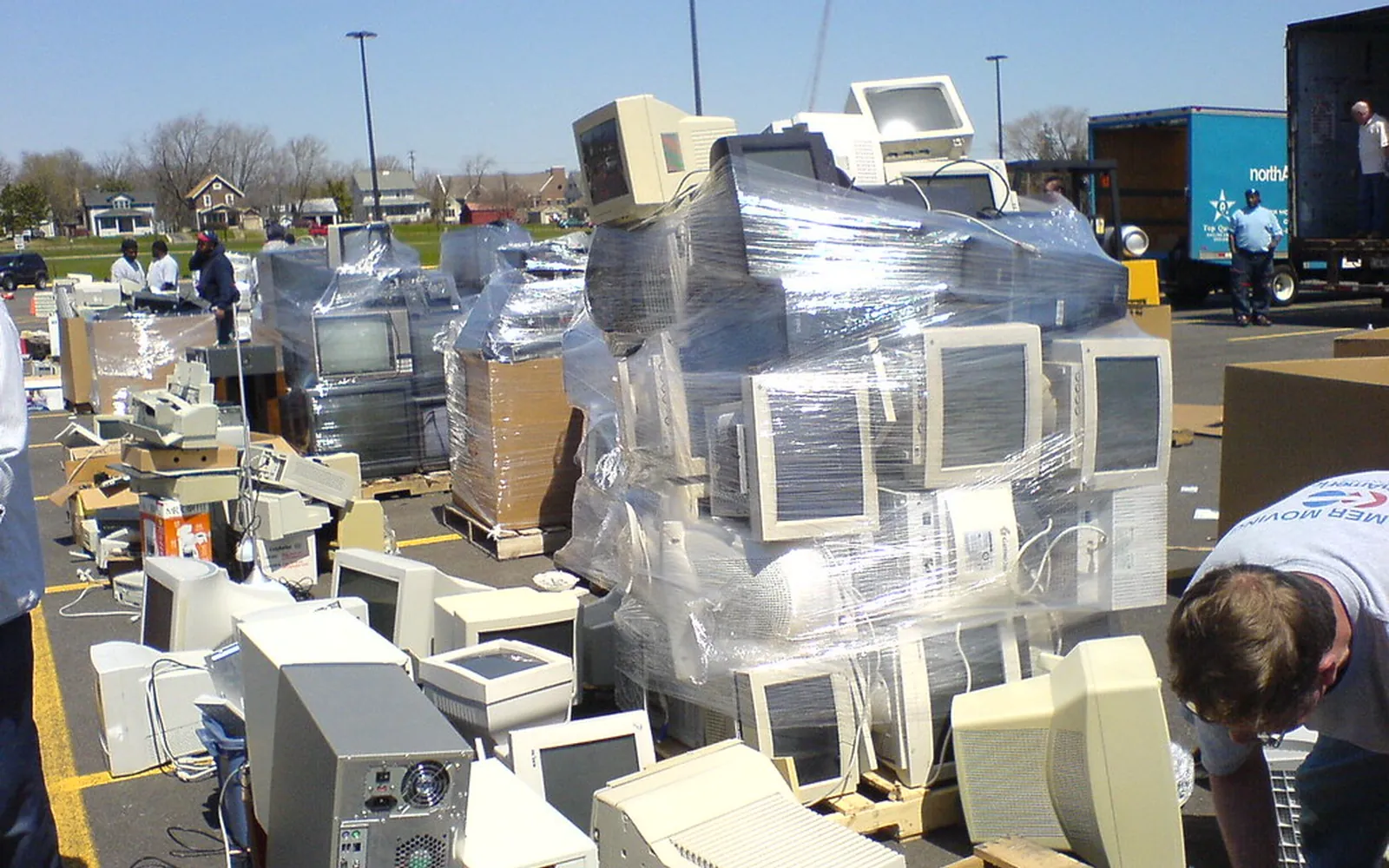
Old computers and monitors stacked for electronics recycling
Phones & Tablets How to Back Up and Wipe a Phone Before Selling or Trading It In Wipe a phone before selling it: back up, sign out of Apple, Google and Samsung accounts to remove activation locks, sort out the SIM, then factory reset. October 16, 2026
370 mm
Security & Scams The 3-2-1 Backup Rule: How to Back Up Your Files on Windows 11 Follow the 3-2-1 backup rule on Windows 11 with free tools: File History to an external drive, Windows Backup or OneDrive to the cloud, and a restore test. October 16, 2026
A computer repair workbench with a desktop PC opened up for troubleshooting
Windows How to Boot Into Safe Mode in Windows 11, Even When Windows Won't Start Boot into Safe Mode in Windows 11 from Settings, the sign-in screen, msconfig or the recovery screen when Windows will not start, and how to get back out again. October 16, 2026
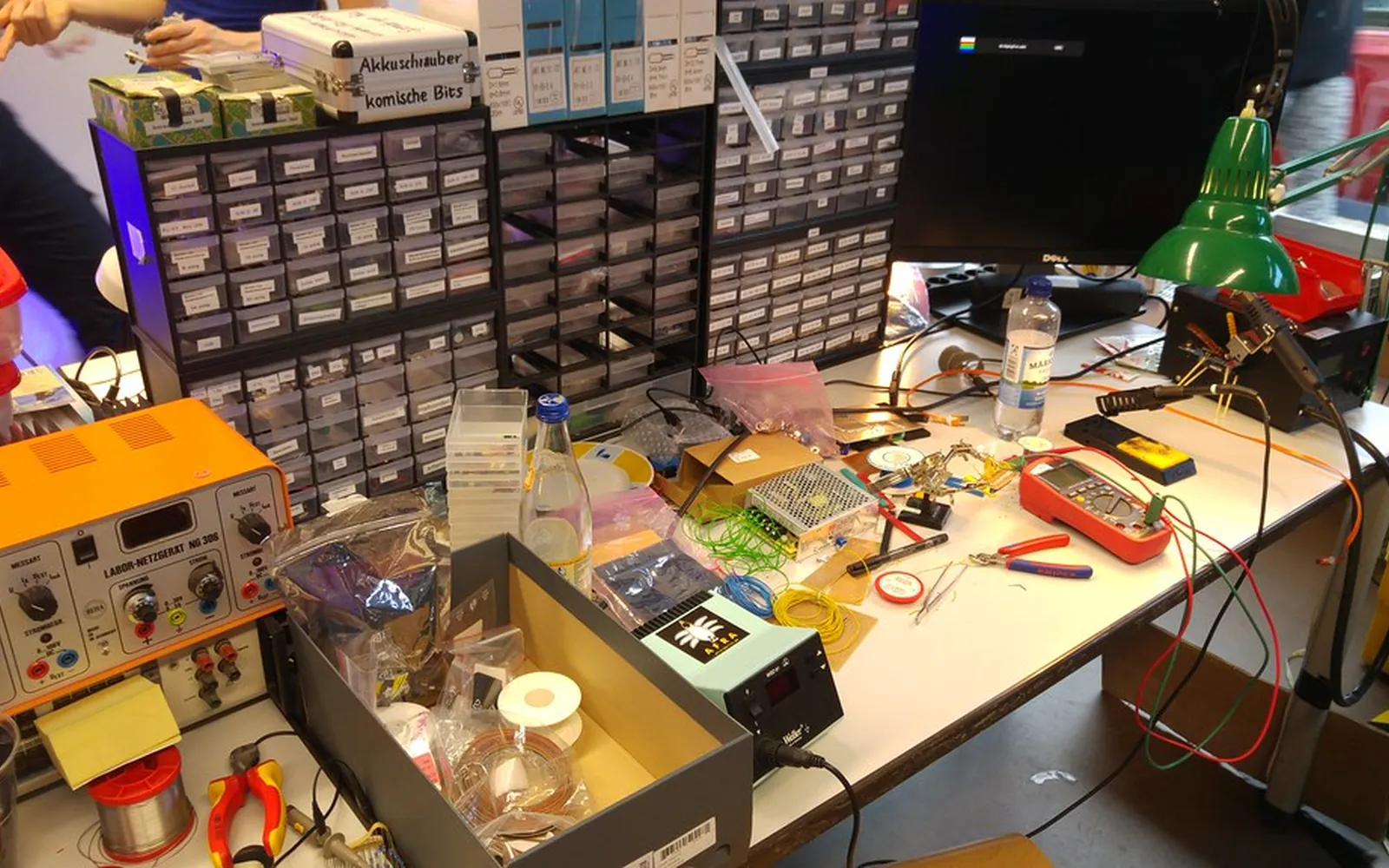
A repair workbench with tools, a multimeter and spare parts
PC Hardware Computer Won't Turn On? Safe Step-by-Step Checks for Laptops and Desktops Computer won't turn on? Work out whether it is power, display or startup, then try safe checks for laptops and desktops before paying for a repair. October 16, 2026
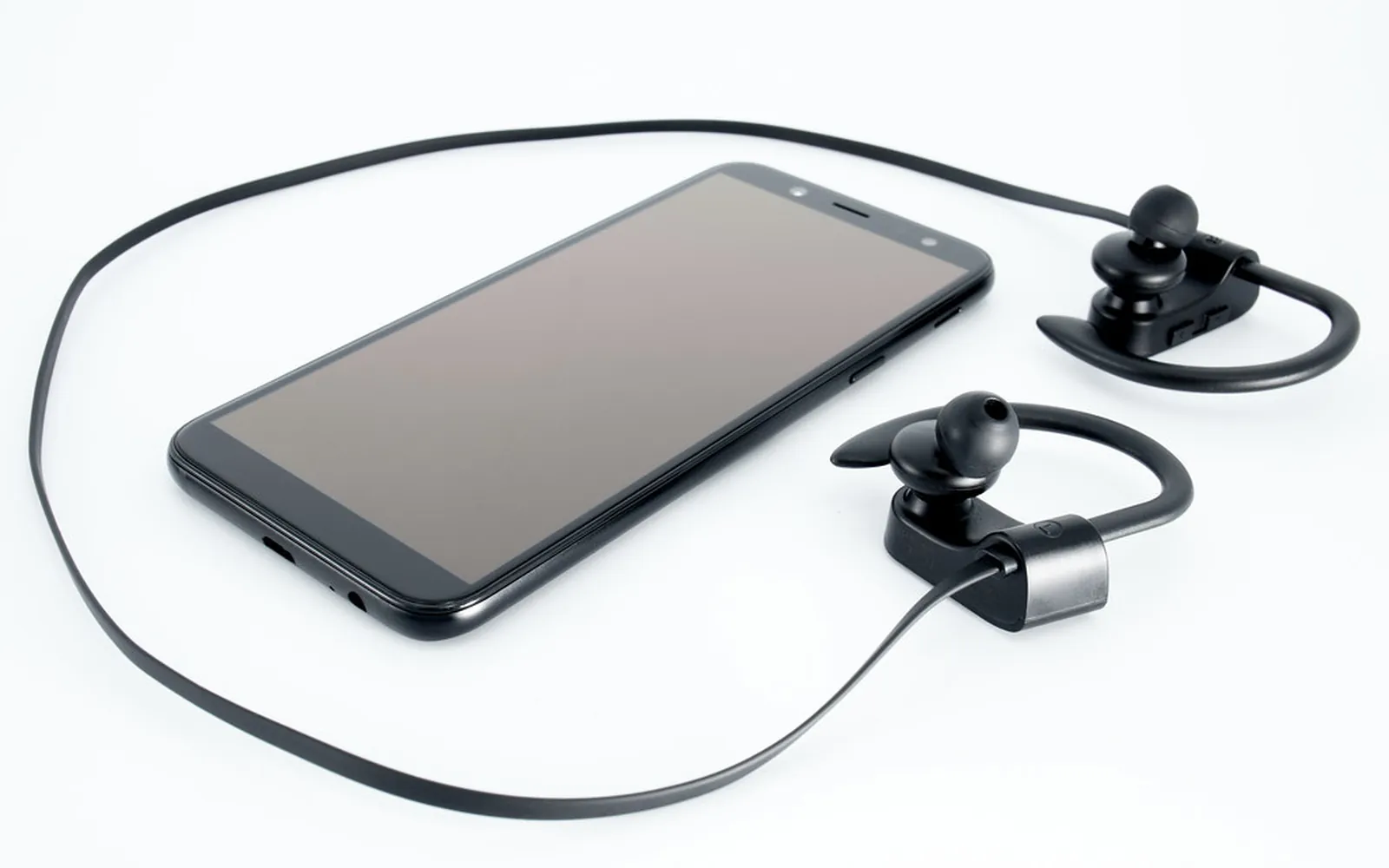
Wireless Bluetooth earphones lying next to a smartphone on a white surface
PC Hardware How to Connect AirPods to a Windows PC (and Fix Common Problems) Connect AirPods to a Windows 11 PC or laptop step by step, fix pairing failures and poor call audio, and learn which AirPods features do not work on Windows. October 16, 2026