Local resources
Free Tech Help in Alberta: Guides, Scams, Internet
Written by Free Tech Support Editorial Team · Updated
This page collects free, independent starting points for tech help in Alberta. Free Tech Support is not a local repair shop and has no office or phone line in Alberta; nobody from this site will call you or ask to connect to your computer. What we can do is point you to the step-by-step guides on this site and to the official public services that people in Alberta can use.
Fix the most common problems yourself
The fixes for everyday computer and phone problems are the same everywhere, so these guides apply in Alberta as they do anywhere else. Start with the one that matches what you see on screen:
- Wi-Fi connected but no internet
- printer says “offline”
- pop-ups and browser redirects
- a slow laptop
- a forgotten Microsoft account password
- an iPhone that will not join Wi-Fi
- fake tech-support calls
- backing up your files
If your problem is not listed, use the search box at the top of the page or browse all guides.
Check which internet providers serve your address
Providers and speeds change from street to street, so a city-wide list is not reliable. The most accurate public source is the Government of Canada’s High-speed Internet for all Canadians site, which includes the National Broadband Internet Service Availability Map. Search your address to see what service is reported there. If service at your address is worse than what is advertised there, the same site explains how to report it. Before calling your provider about a slow or dropping connection, run through slow internet fixes and restart your router correctly; they solve a large share of problems without a technician visit.
Report a tech-support scam
If someone phoned you out of the blue about a virus, or a pop-up told you to call a number, treat it as a scam. Microsoft, Apple and antivirus companies do not contact people that way. In Alberta, report it to the Canadian Anti-Fraud Centre and to your local police. Then follow our checklist on what to do after a tech-support scam: disconnect from the internet, remove any remote-access software, call your bank using the number on your card, and change your passwords from a different device.
Recycle or donate old computers and phones
Most provinces run an electronics stewardship program with free drop-off points; Recycle My Electronics lists locations for the participating provinces. Before you hand over any device, back up and wipe it so your photos, passwords and accounts do not go with it.
Free in-person and online learning
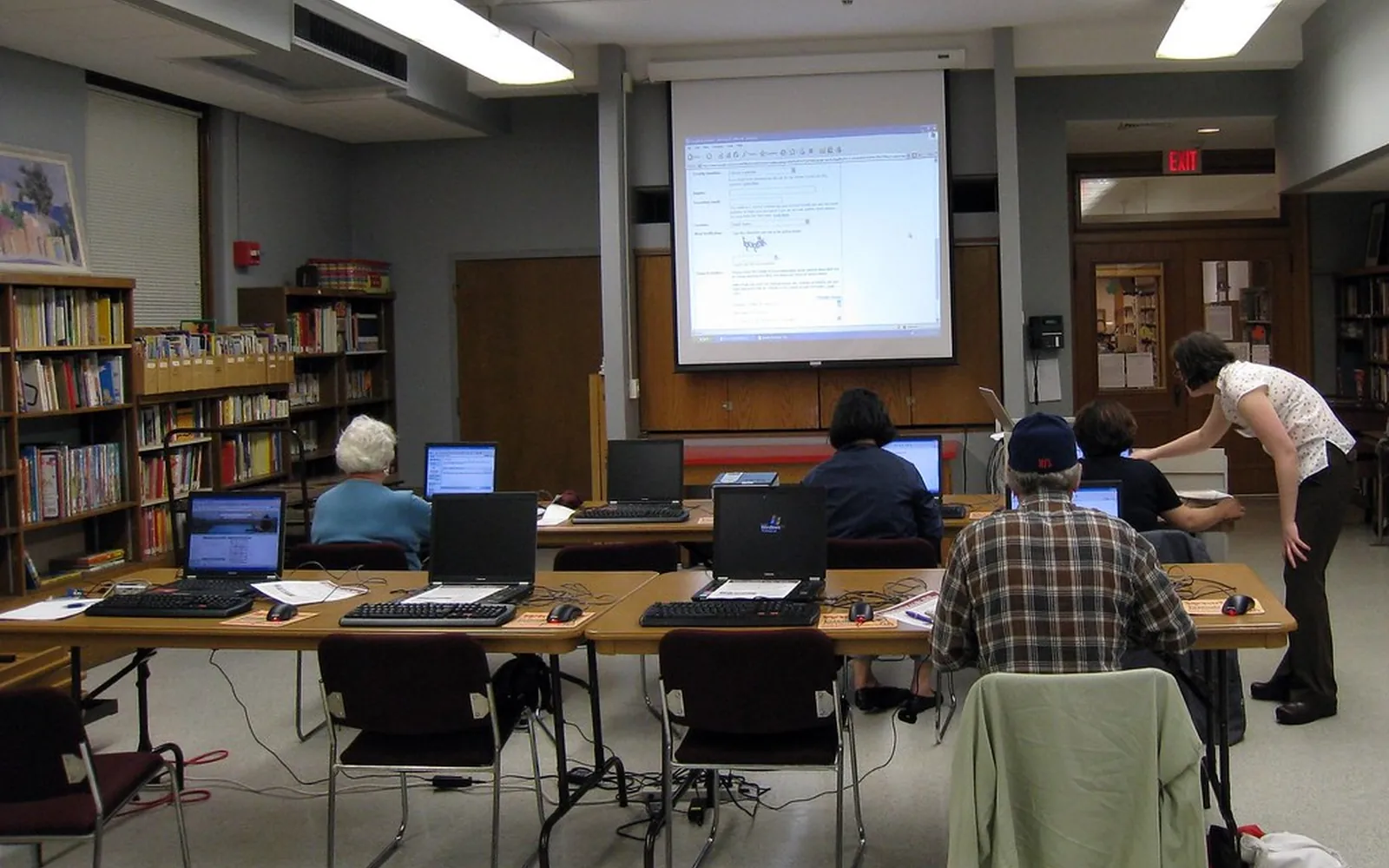
Public libraries in many communities, including around Alberta, offer free computer classes or one-to-one help sessions; check your library’s website or ask at the front desk. For self-paced learning, Get Cyber Safe, from the Government of Canada, explains passwords, scams and device security in plain language.
Pages for places in Alberta
Airdrie, Calgary, Edmonton, Grande Prairie, Lethbridge, Medicine Hat, Okotoks, Red Deer, Spruce Grove, St. Albert, Wood Buffalo.
See the list of all locations.
Frequently asked questions
Is there a free tech support phone number for Alberta?
No, and be wary of any site that offers one. Free Tech Support has no phone line. Scammers advertise "free" or "toll-free" support numbers and then charge for fake repairs. Use the official support site of the company that made your device or software instead.
Will Free Tech Support send a technician in Alberta?
No. This is an independent website of free written guides. We do not make house calls, do remote sessions or sell repairs.
Where do I report a tech-support scam?
Report it to the Canadian Anti-Fraud Centre and to your local police. If you paid, call your bank or card issuer first using the number on your card.
Sources
Free Tech Support Editorial Team
Editorial team
The Free Tech Support editors write and update these guides from the official documentation of Microsoft, Apple, Google and device makers. We are an independent site with no phone line and no paid support service.