Wi-Fi & Internet
Slow Internet — How to Actually Speed It Up
Written by Free Tech Support Editorial Team · Updated
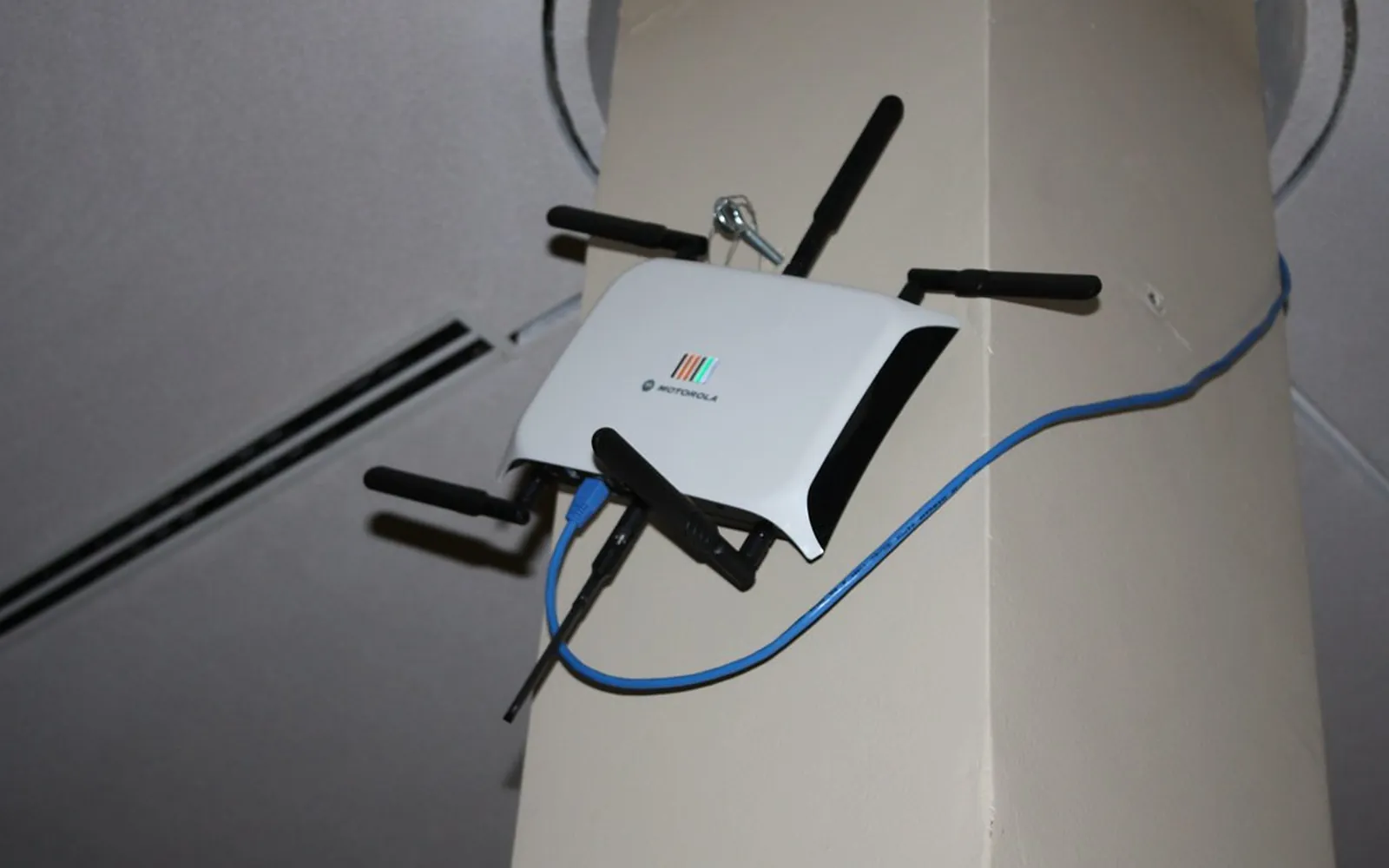
Slow internet can mean a dozen different things — a congested router, a failing cable, a background app hogging bandwidth, or simply a plan that no longer fits your household. This guide helps you pinpoint the real cause.
Step 1: Run a Speed Test
Open a browser and search for a free speed test (several are available from ISPs and independent providers). Run the test with Wi-Fi, then again with your computer plugged directly into the router with an Ethernet cable. If speeds are fine on Ethernet but slow on Wi-Fi, the wireless connection is the problem, not your internet plan.
Step 2: Restart Everything
Unplug your modem and router (they may be one unit). Wait 30 seconds. Plug the modem in first, wait for its lights to stabilise (about 60 seconds), then plug in the router. This clears temporary slowdowns more often than people expect.
Step 3: Check What Is Using Your Bandwidth
On Windows, press Ctrl + Shift + Esc to open Task Manager and click the Network column to sort by network usage. If an app like a game client, cloud backup, or video streaming service is consuming most of your bandwidth in the background, pause or limit it.
Step 4: Reduce Wi-Fi Interference
- Move the router away from microwaves, cordless phones, and baby monitors.
- Position it in a central, elevated spot — not inside a cabinet.
- If neighbours’ networks are crowding the same channel, log into your router and change the Wi-Fi channel (channels 1, 6, or 11 on 2.4GHz cause the least overlap).
Step 5: Check for Background Updates
Windows Update, antivirus database downloads, and cloud sync (OneDrive, Dropbox, Google Drive) can all cap your speed temporarily. Check each and pause them during critical tasks.
Step 6: Check Your Cables
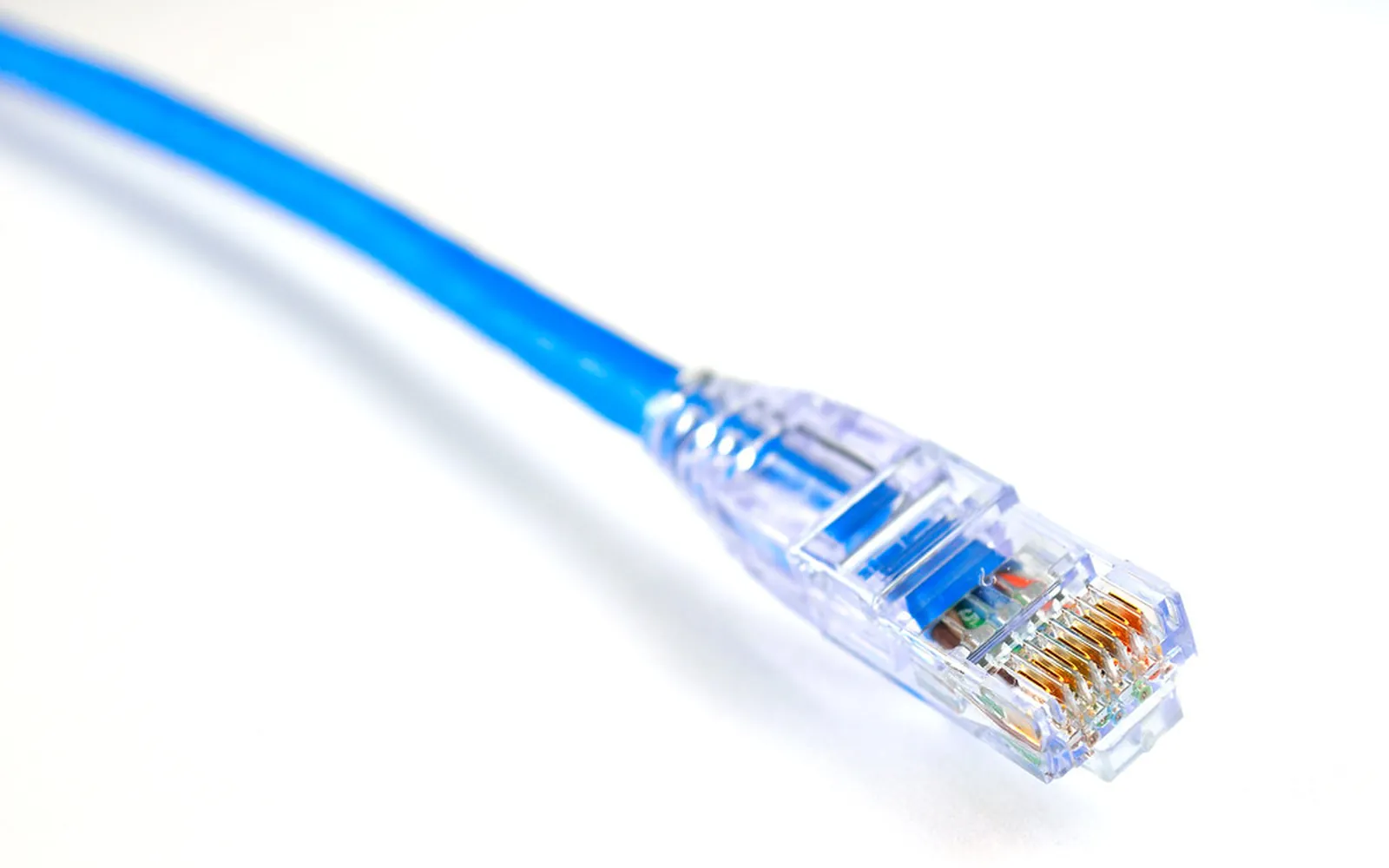
A cracked or loose coaxial or Ethernet cable between your wall and modem can halve your speed. Replace any cable that has visible kinks or damage.
When to Call Your ISP
If Ethernet speeds are consistently far below your paid plan (10% or more), contact your provider. Ask them to run a line test. You may have line noise, a failing modem, or simply an outdated speed tier.
Related guides
If this did not solve it, these guides cover the problems that most often come with it: How to Test Your Internet Speed and Understand the Results, “Connected, No Internet” on Wi-Fi, Wi-Fi Works on Phone But Not Laptop. You can also browse every guide in the Wi-Fi internet section.
Frequently asked questions
My speed test shows fine speeds but streaming still buffers — why?
Speed test servers are usually nearby and may show better results than you get when connecting to a distant streaming server. Also check if other devices are streaming or downloading at the same time, which splits available bandwidth.
Could my router be causing slow speeds even if it looks fine?
Yes. Older routers (especially those more than 5 years old) can become a bottleneck if your internet plan was upgraded. If your plan is faster than 100 Mbps and your router only supports older Wi-Fi standards, the router itself may be the ceiling.
Sources
Free Tech Support Editorial Team
Editorial team
The Free Tech Support editors write and update these guides from the official documentation of Microsoft, Apple, Google and device makers. We are an independent site with no phone line and no paid support service.