Wi-Fi & Internet
How to Test Your Internet Speed and Understand the Results
Written by Free Tech Support Editorial Team · Updated
To test internet speed takes about 30 seconds, but the numbers only mean something if you test the right way and know what to compare them with. This guide shows you how to get a fair result, what download, upload, ping and jitter mean, and what to do if your results are lower than the plan you pay for.
How to run an accurate speed test
Test conditions make a big difference. For the most reliable result:
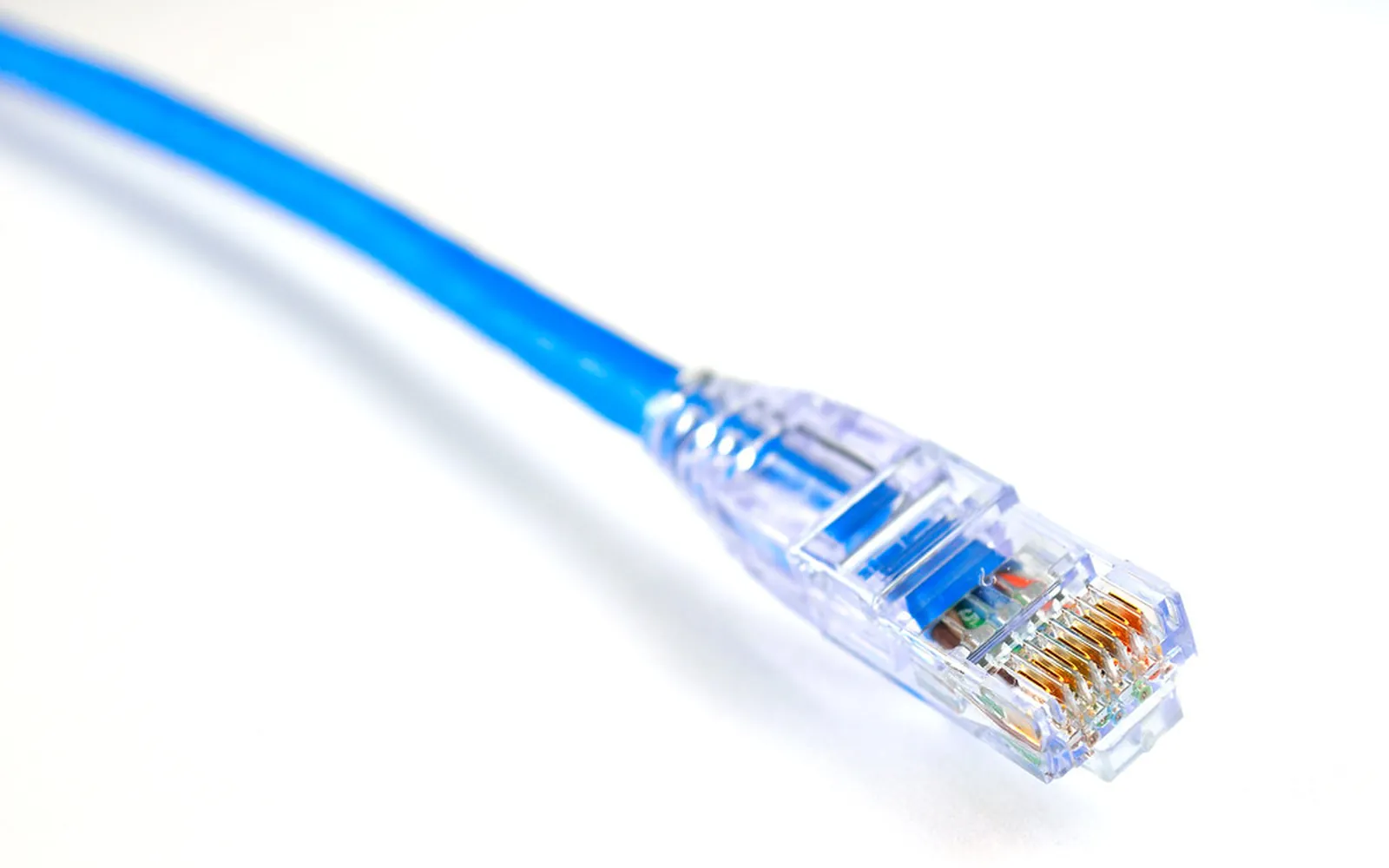
- Use a computer connected to the router with an Ethernet cable if you can. This shows what your provider is actually delivering, without Wi-Fi in the way.
- Pause other activity. Stop streaming, game downloads, cloud backups and large updates on every device in the house.
- Close other browser tabs and apps on the device you are testing.
- Run the test two or three times and note the typical result rather than the single best or worst one.
- Test at different times of day. Evening results are often lower on busy networks.
Which speed test to use
There are several free, well-known tests. Search for “internet speed test” in your browser, or use a test from a recognizable provider such as Ookla Speedtest, Fast.com (run by Netflix), Cloudflare’s speed test or your internet provider’s own test page. In the US, the FCC also offers a free Speed Test app. Using two different tests helps confirm a result.
Be careful with search ads and pop-ups that claim your connection is “at risk” or offer to “boost” your speed with a download. A speed test never needs you to install software or call anyone.
Understanding the results
Download speed
How quickly data comes to you, measured in megabits per second (Mbps). Streaming, browsing and downloading files all depend on it. This is the number internet plans advertise most.
Upload speed
How quickly data goes from you to the internet. It matters for video calls, sending large files, posting videos and online backup. Cable plans usually have much lower upload than download; many fiber plans offer equal upload and download speeds.
Ping (latency)
How long a small message takes to travel to the test server and back, in milliseconds (ms). Lower is better. As a rough guide, under 50 ms feels responsive for calls and gaming, while values above about 100 ms can make calls and games feel laggy.
Jitter
How much the ping varies from moment to moment. Low jitter means a steady connection. High jitter causes choppy video calls even when download speed looks fine.
Mbps versus MBps
Internet speeds are sold in megabits per second (Mbps). Browsers and download tools often show megabytes per second (MBps). There are 8 bits in a byte, so a 100 Mbps connection downloads at roughly 12.5 MBps at best. That is normal, not a fault.
Is my speed good enough?
The answer depends on how many people use the connection at once and what they do.
| Household use | What matters most |
|---|---|
| Browsing, email, one HD stream | Moderate download speed |
| Several people streaming at once | Higher download speed |
| Working from home, daily video calls | Upload speed, low ping and low jitter |
| Online gaming | Low ping and jitter more than raw speed |
| Uploading videos or large backups | High upload speed |
For reference, the FCC’s current US broadband benchmark is 100 Mbps download and 20 Mbps upload. In Canada, the CRTC’s universal service goal is at least 50 Mbps download and 10 Mbps upload. Streaming services list their own recommended speeds for HD and 4K on their help pages.
If your results are lower than your plan
Wired results are fine, Wi-Fi results are low
Your provider is delivering the speed; the loss is happening inside your home. Move closer to the router, reduce walls in the way, use the 5 GHz band for nearby devices, and restart the router. Our guides to 2.4 GHz vs 5 GHz and boosting weak Wi-Fi in far rooms cover this in detail.
Older laptops and phones may also be unable to reach the top speeds of a fast plan, even on a good signal.
Wired results are also low
- Restart the modem and router: unplug both for 30 seconds, plug the modem in first, then the router.
- Test with a different device and cable to rule out an old network port or damaged cable.
- Check that no device is downloading or backing up in the background.
- Test at several times over a day or two and write down the results.
If wired results stay well below your plan, contact your internet provider using the details on your bill or in its official app. Your notes with dates, times and results make the conversation much easier. Our guide to fixing slow internet has more steps to try first.
Speed is fine but pages are slow to start
If downloads are fast but each new website takes a moment to begin loading, the DNS lookup may be slow. Try changing your DNS to 1.1.1.1 or 8.8.8.8.
Related guides
If you have no connection at all, see Connected, no internet on Wi-Fi or Wi-Fi keeps disconnecting on a laptop. You can also browse every guide in the Wi-Fi and internet section.
Frequently asked questions
What is a good internet speed?
It depends on how many people and devices share the connection. The FCC's current broadband benchmark in the US is 100 Mbps download and 20 Mbps upload, which comfortably handles streaming and video calls for a typical household.
Why is my speed test lower than the speed I pay for?
Wi-Fi, an older device, a busy network or a distant test server can all lower results. Test again by cable with everything else paused; if it is still well below your plan, contact your provider.
What does ping mean on a speed test?
Ping, or latency, is how long a tiny message takes to reach the test server and come back, in milliseconds. Lower is better, and it matters most for video calls and online games.
Do speed tests use my mobile data?
Yes. A speed test on mobile data can use a noticeable amount of data, so connect to Wi-Fi first if you have a limited plan.
Sources
Free Tech Support Editorial Team
Editorial team
The Free Tech Support editors write and update these guides from the official documentation of Microsoft, Apple, Google and device makers. We are an independent site with no phone line and no paid support service.